
Latest Version
StrikerX3
Games
Linux
Free
io.github.strikerx3.ymir
Report a Problem
More About Ymir
An Introduction to Sega Saturn Emulation on Linux
The Sega Saturn remains one of the most complex consoles to emulate due to its unique dual-CPU architecture and multiple video processors. However, the open-source community continues to make incredible strides. Enter Ymir Sega Saturn emulator, a promising, work-in-progress software application designed specifically for Linux users who want to experience classic 32-bit gaming with modern enhancements.
What You Can Actually Do with the Ymir Sega Saturn Emulator
Developed by StrikerX3, this emulator is built to handle the intricate hardware of the original console while offering a suite of modern quality-of-life features. Rather than just playing games, it gives you deep control over how you interact with your classic library.
Versatile Media Loading and Game Support
One of the most practical aspects of the Ymir Sega Saturn emulator is its broad file compatibility. You do not need to convert your game backups into a single restrictive format. The emulator natively supports:
- MAME CHD compressed images
- Traditional BIN+CUE and IMG+CCD dumps
- MDF+MDS and standard ISO files
Additionally, the system features automatic IPL (BIOS) ROM detection and automatic region switching, saving you the hassle of manual configuration before launching a game.
Advanced Gameplay Control and Time Manipulation
Playing retro games can be notoriously difficult. This emulator addresses that by integrating powerful playback controls directly into the engine:
- Real-time Rewinding: Go back up to one minute at 60 frames per second to correct a missed jump or a fatal mistake.
- Frame Stepping: Advance the game frame-by-frame, both forwards and backwards, which is perfect for analyzing animations or precise timing.
- Turbo Speed: Speed past unskippable cutscenes or slow loading screens easily.
- Forwards-Compatible Save States: Save your progress at any exact moment without worrying about future emulator updates breaking your files.
Modern Graphics and Custom Memory Management
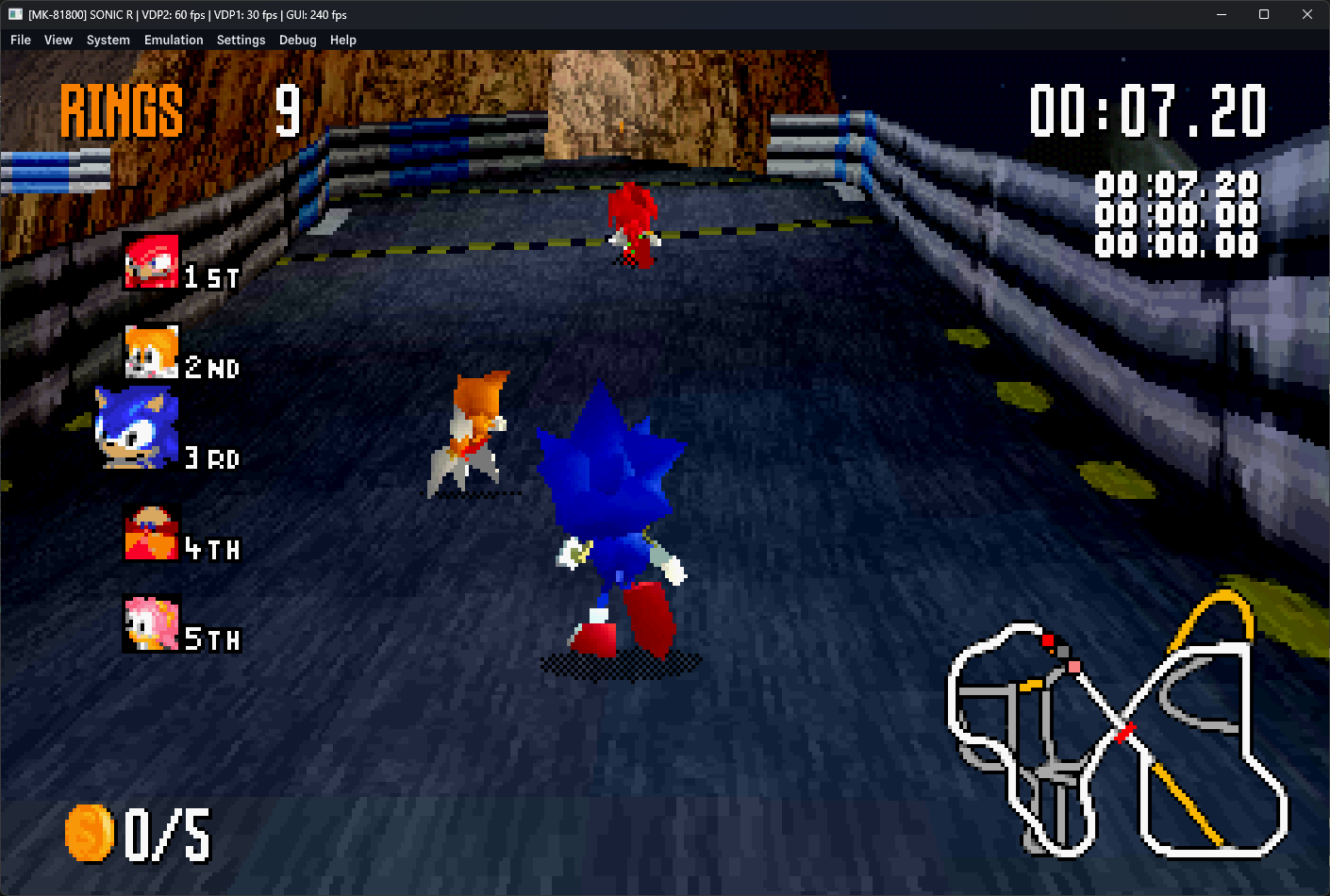
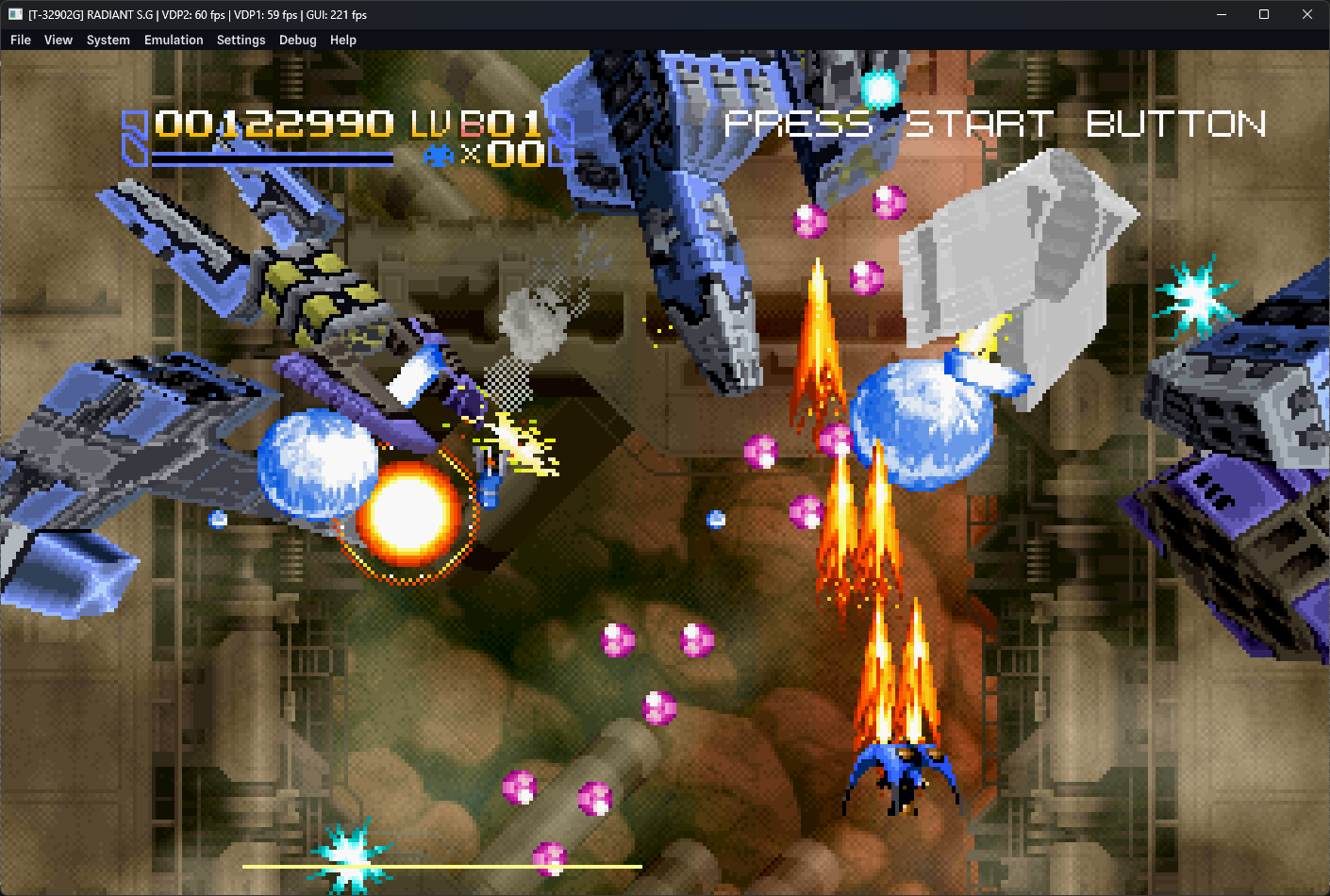
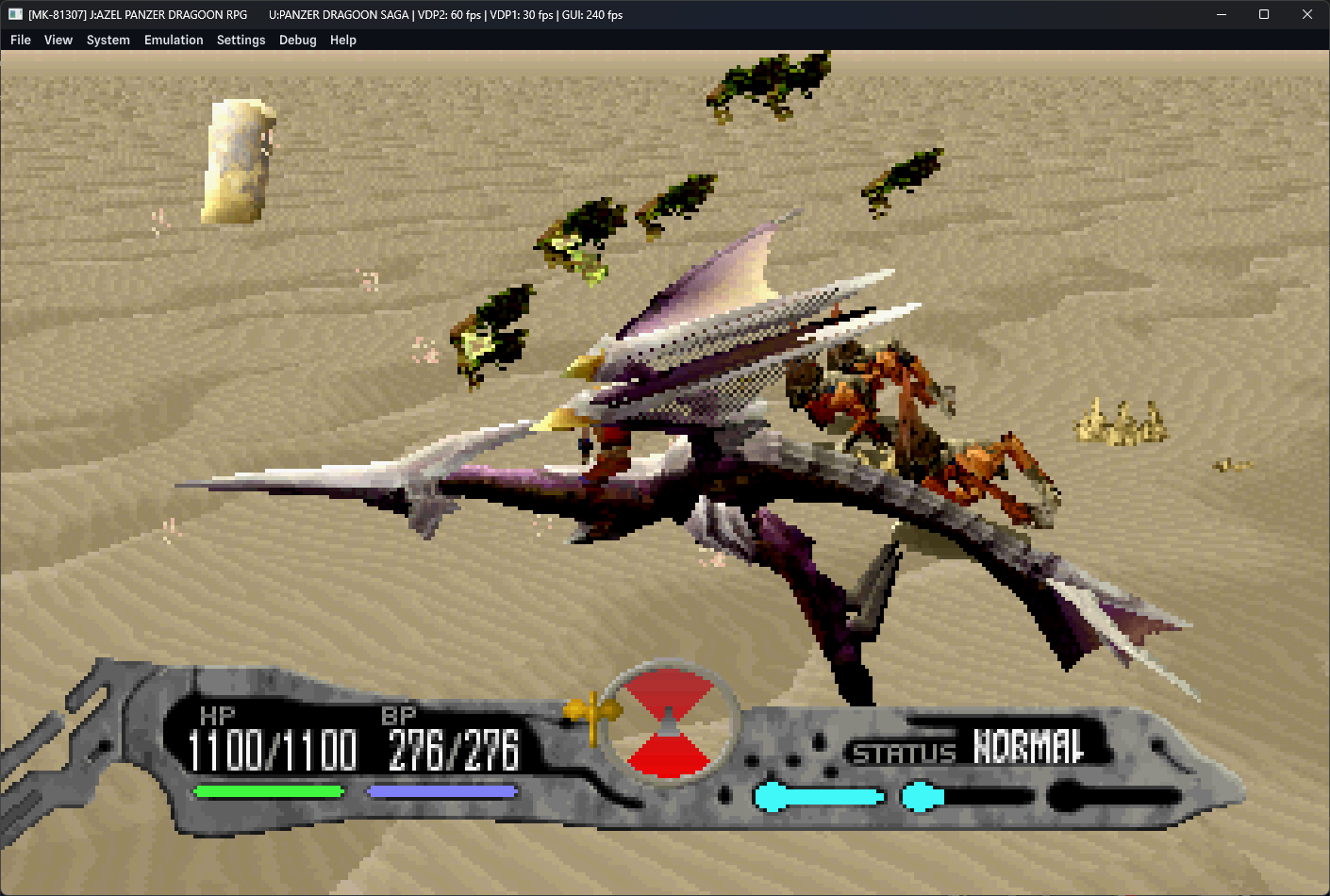
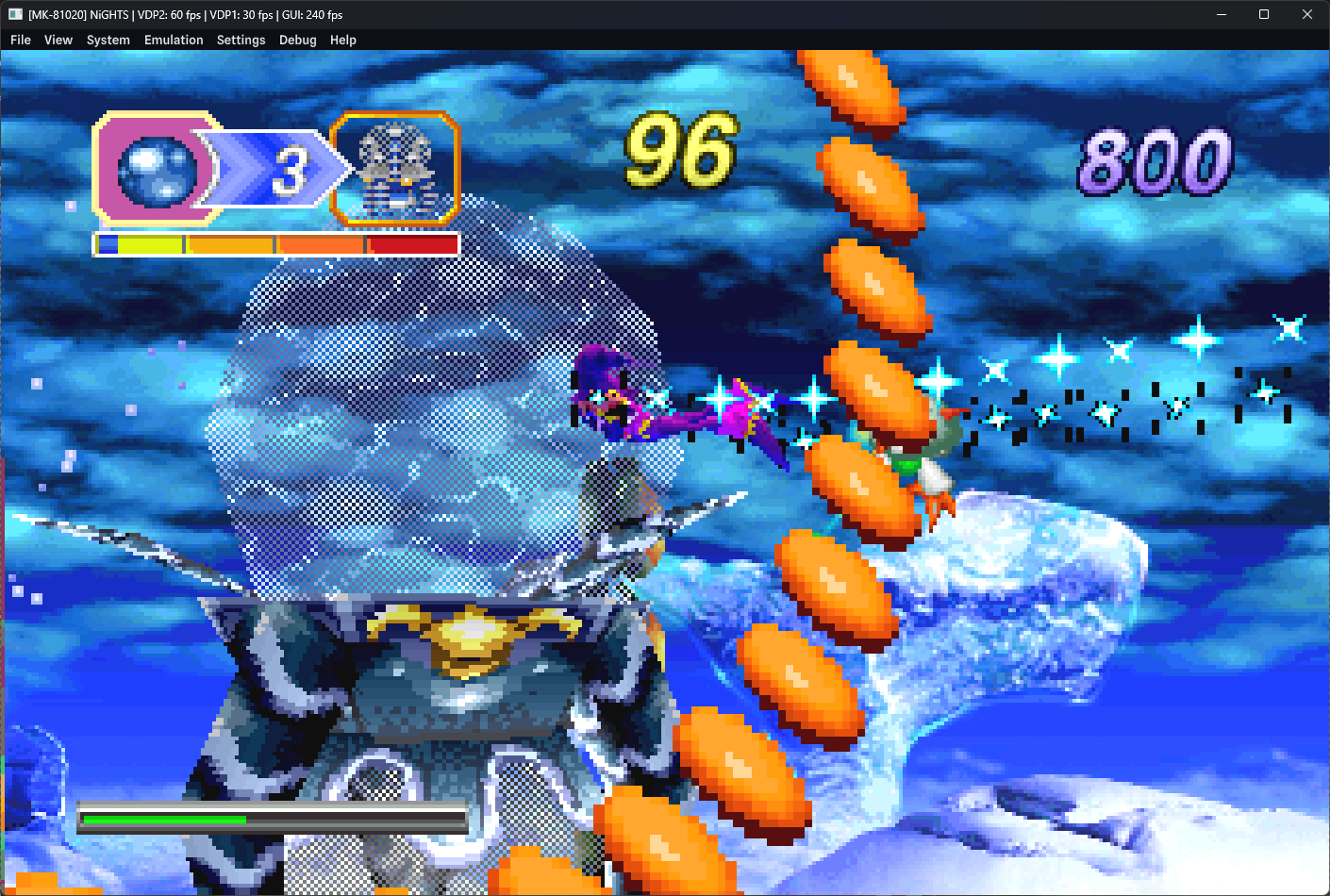
The Ymir Sega Saturn emulator does not just replicate the original video output; it offers substantial visual upgrades. Players can opt for deinterlaced or progressive rendering of high-resolution modes, eliminating the flickering lines common on older CRT displays. It also features transparent mesh polygon rendering, replacing the dithering patterns of the original console with smooth transparencies.
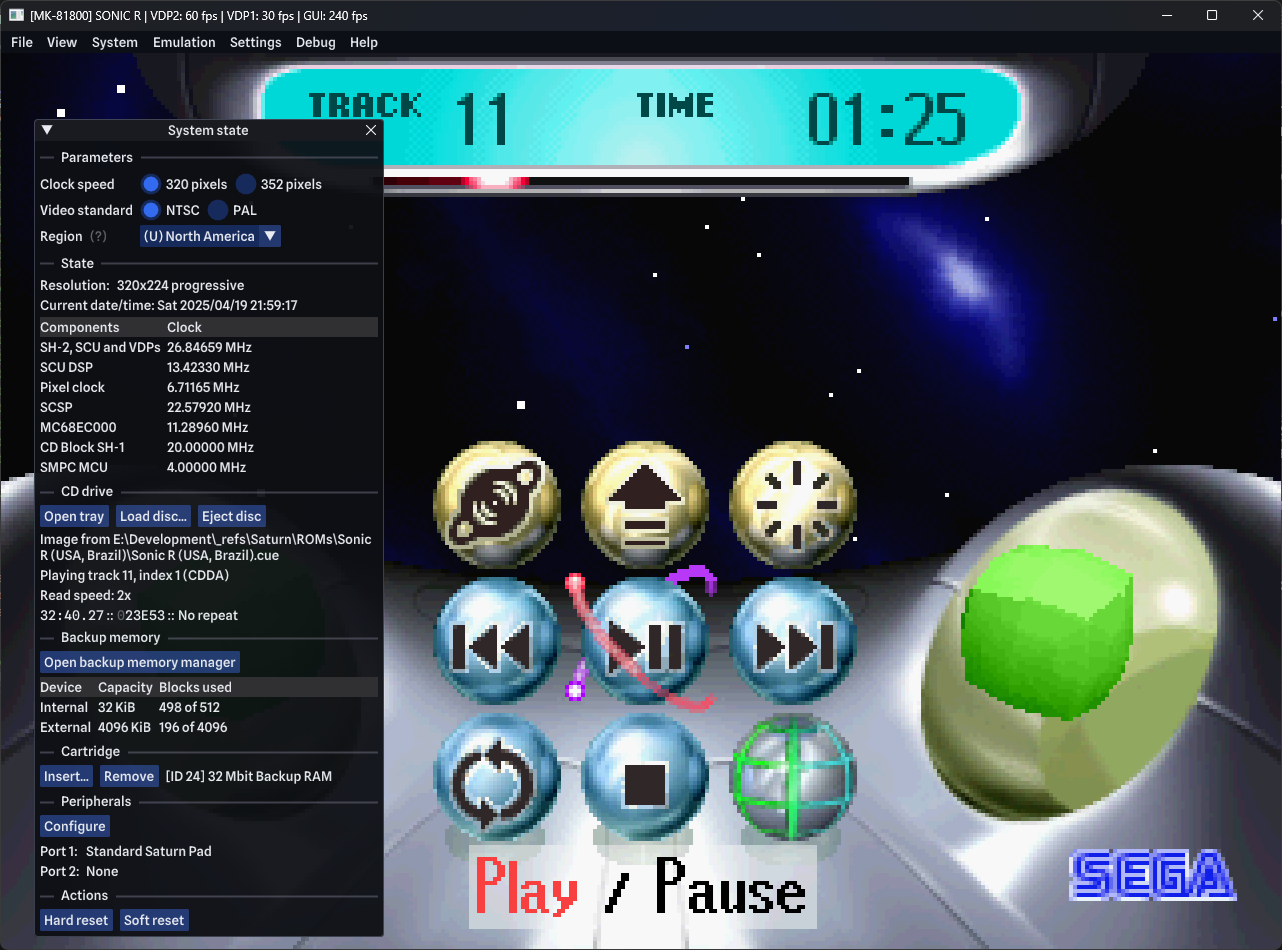
For save management, the integrated backup memory manager allows you to transfer, import, and export save files seamlessly between internal RAM and virtual cartridge RAM, giving you complete control over your campaign files.
Is It Right for You?
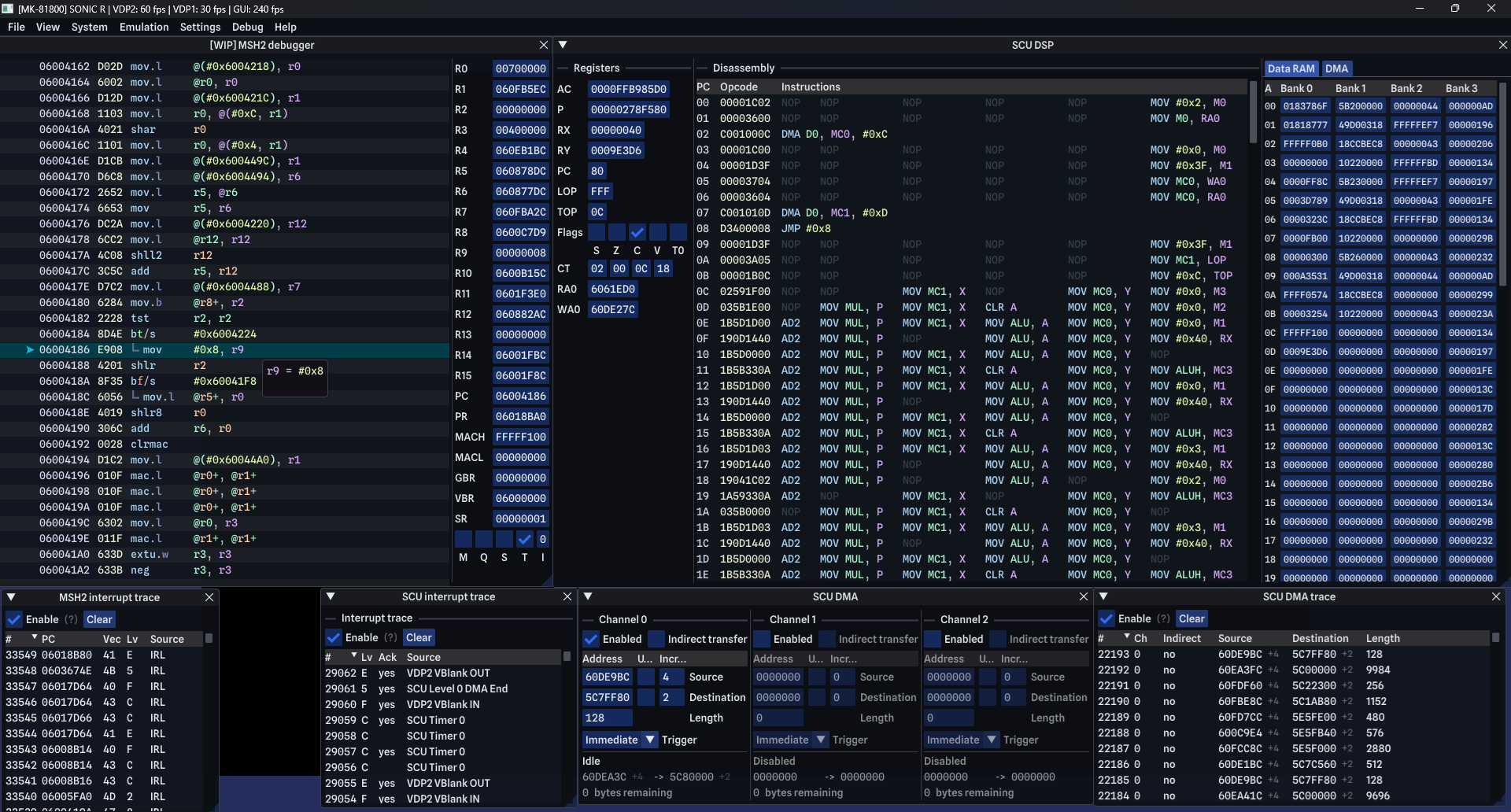
If you are a Linux user looking for a highly customizable, low-latency emulation experience with support for VRR (Variable Refresh Rate) and advanced debugging tools, this software is highly capable. While it is still a work-in-progress, its feature set is already incredibly robust.
To try it out and explore its development journey, head over to the official Flathub store page to download the flatpak package for your Linux distribution.
Rate the App
User Reviews









Popular Apps










Editor's Choice